32x32 Pixel Art Maker
A 32×32 canvas for characters, sprites and icons. Draw it pixel by pixel, or turn a picture into 32x32 pixel art and touch it up.
Untitled drawing
32 × 32 pixels · 0 colors
Pencil. Click or drag to draw. Right-click erases. Shift-click draws a straight line from the last point.
Drop an image here
or paste one with Ctrl+V
PNG, JPG, WebP, GIF or SVG
No image handy? Try a sample:
100% private: your images are processed in your browser and never uploaded.
How to make 32x32 pixel art
A 32×32 canvas has 1,024 pixels. That is enough for real detail, so plan before you place them.
- 1
Sketch the proportions
Rough out the big parts in one color. For a character, a head about a third of the height keeps it cute and readable.
- 2
Clean up the lines
Turn the sketch into a one-pixel outline. Smooth curves step evenly: 3-2-1 pixels, never 3-1-3.
- 3
Pick a palette and shade
Choose a small palette, then give each color a darker shade and a highlight. The template palette, Sweetie 16, is a good place to start.
- 4
Download or keep going
Save a PNG at 32×32 for your game, scaled up for sharing, or as a pattern with color codes for beads and stitching.
What 32x32 pixel art is used for
32×32 is where pixel art starts to show personality.
Game characters and sprites
Heroes, enemies and NPCs with a readable face and outfit, the standard size for many indie games and RPG tilesets.
Animal Crossing designs
Custom designs in Animal Crossing: New Horizons are 32×32 pixels with 15 colors. Set the converter to 15 colors to match.
Avatars and profile pictures
A pixel portrait of you or your character for Discord, Twitch, forums and game profiles.
Icons and favicons
32×32 is the favicon size used on high-resolution screens and in bookmarks and taskbars.
Minecraft builds
Plan a pixel art build block by block: a 32×32 design is 1,024 blocks, and the pattern download counts each color for you.
Beads, cross-stitch and crochet
About 5.8 cm (2.3 in) wide on 14-count Aida, or 16 cm with 5 mm beads, which takes more than one standard pegboard.
Tips for drawing at 32×32
More room means more ways for a drawing to get busy. These habits keep it clean.
- 01
Limit the palette
Even at 32×32, 8 to 16 colors are enough. Reuse the same shades across the whole sprite so it looks like one piece.
- 02
Shade with clusters
Put shadow on one side in solid groups of pixels, not in single dots. Avoid outlining the shadow.
- 03
Watch for jaggies
Uneven steps in a line look like mistakes. Keep the steps of a curve or slope regular.
- 04
Use colored outlines
A dark version of the fill color instead of black softens the sprite, especially for skin and hair.
- 05
Leave room for animation
Keep a pixel or two free around a character, so arms and feet have space when it walks or jumps.
- 06
Squint at it
Step back or zoom out. If the pose or face isn’t clear when blurred, simplify before adding detail.
Blank 32x32 grid to print or download
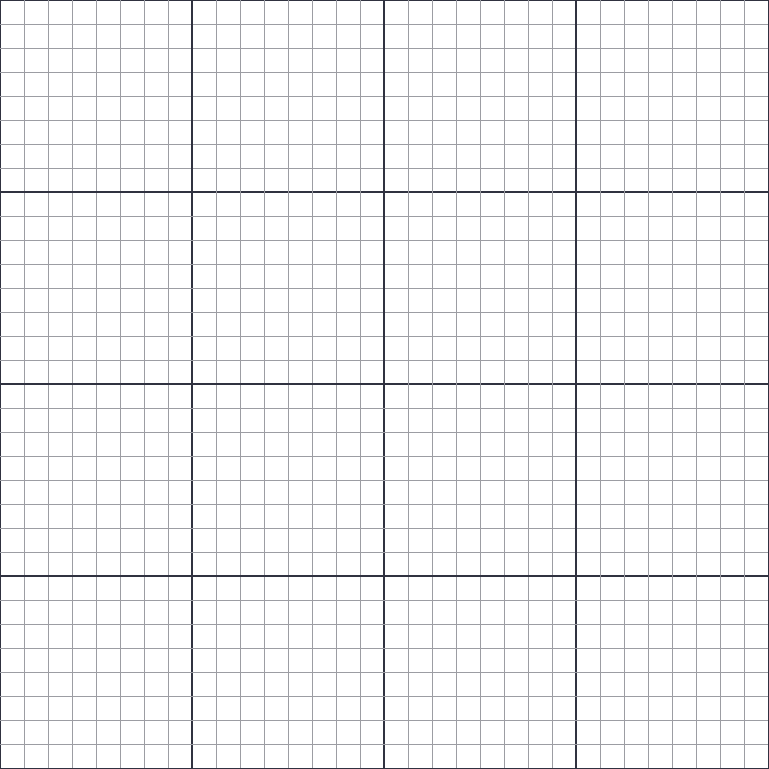
Print a blank 32×32 grid with numbered rows and columns, with a darker line every 8 squares to help you count. The transparent PNG can sit over a picture you want to trace.
16x16 vs 32x32 vs 64x64: which size to pick
Smaller canvases are quicker to finish and easier to read. Bigger ones fit more detail but take much longer to fill.
| Size | Good for |
|---|---|
| 8×8 | Tiny icons, map markers and very simple game items. |
| 16×16 | Items, tiles, emoji-style faces, Minecraft-style textures and favicons. The classic size for beginners. |
| 32×32 | Game characters with a readable face, detailed items, avatars and Animal Crossing designs. |
| 64×64 | Portraits, bigger sprites and scenes with a background. |
| 128×128 | Detailed portraits and illustrations. Many hours of work by hand. |
32x32 pixel art FAQ
How do I make 32x32 pixel art?
Use the maker at the top of this page, which opens on a blank 32×32 grid. Draw with the pencil, fill areas with the bucket, mirror one side for symmetrical characters, and download a PNG. Your drawing is saved in this browser as you go.
How do I convert an image to 32x32 pixel art?
Open the “Convert a picture to 32×32” tab and upload or paste an image. It is cropped to a square and reduced to 32×32 pixels and up to 16 colors. Adjust the crop, colors and palette, then press “Edit pixels” to fix details by hand.
Can I make Animal Crossing designs here?
Yes. Animal Crossing: New Horizons designs are 32×32 with 15 colors. Convert your picture with the color count set to 15, or draw with 15 colors or fewer, and copy it square by square into the game using the grid view.
Is 32x32 a good size for a game character?
It is one of the most popular. A 32×32 sprite has room for a face, clothing and a clear pose, while staying quick enough to animate. For simpler games, 16×16 characters work too.
Can I print a 32x32 grid?
Yes. Download the printable PDF above for a blank 32×32 grid on one page (it fits A4 and US Letter), or download your finished drawing as a pattern with numbered rows and color codes.
Can I resize my drawing later?
Yes. The maker can change the canvas size at any time, so you can start at 32×32 and move to 64×64 when you want more room, or go down to 16×16.
Is it free? Are my pictures uploaded?
It is completely free, with no sign-up and no watermark. Your pictures and drawings stay on your device, since everything runs in your browser.