Minecraft pixel art generator
Turn any picture into Minecraft blocks. See which blocks you need and how many, then print a blueprint and build it, in Java or Bedrock.
Drop an image here
or paste one with Ctrl+V
PNG, JPG, WebP, GIF or SVG
No image handy? Try a sample:
100% private: your images are processed in your browser and never uploaded.
What is Minecraft pixel art?
In Minecraft, pixel art is a picture built out of blocks, with every block standing for one pixel. Players build them as giant walls, lay them flat on the ground to see from above, and use them for server spawns, base decorations, logos, game and anime characters, or portraits of friends.
The hard part is planning: picking the closest block for every square and counting how many of each you need. This generator does both. It matches your picture against the real colors of 49 solid blocks, then gives you the material list and a numbered blueprint to build from.
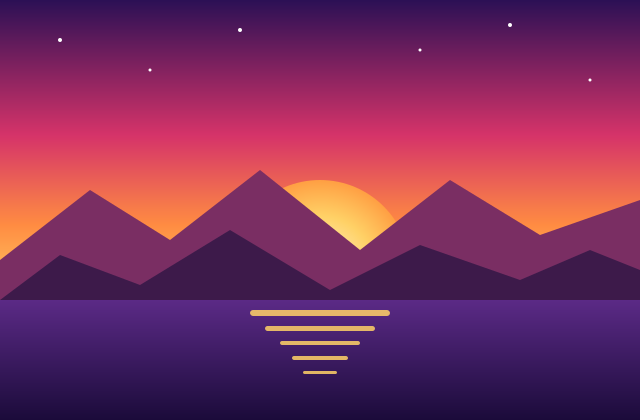
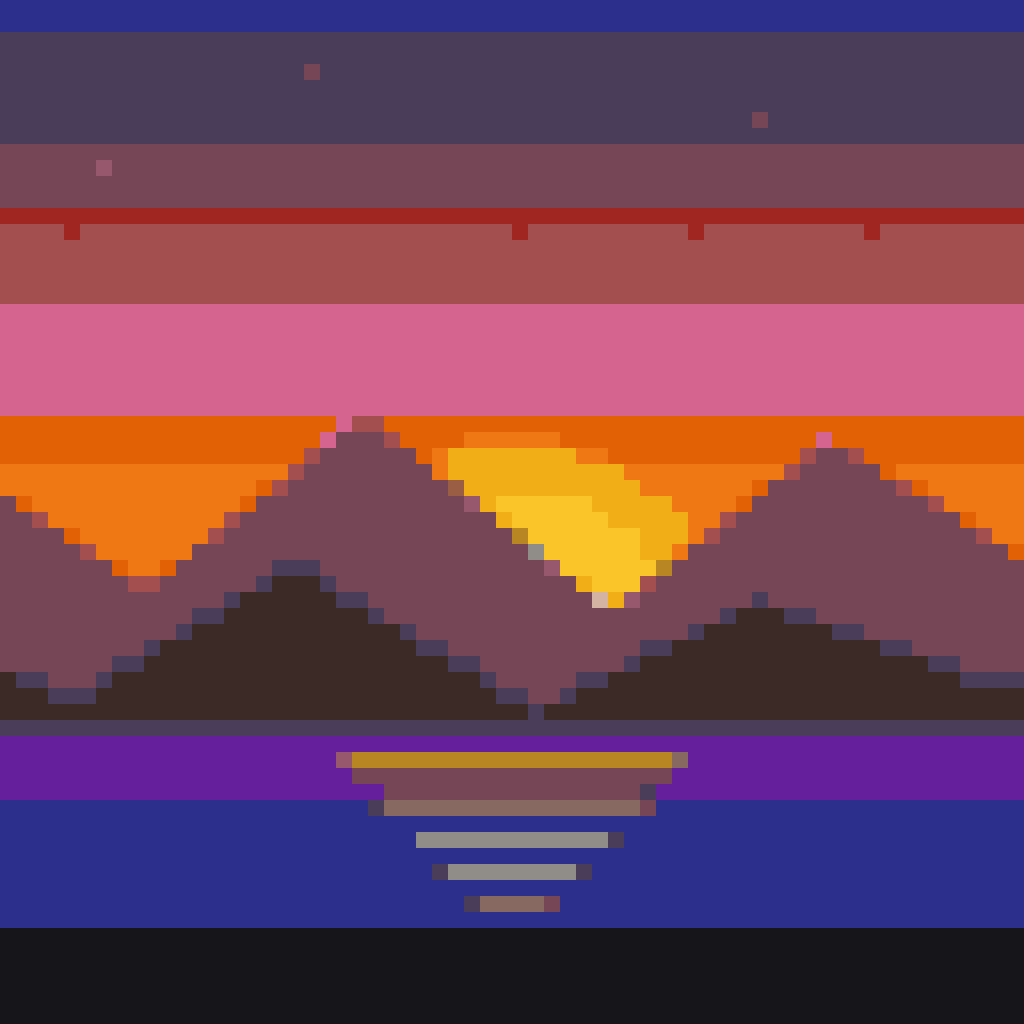
How to make pixel art in Minecraft
From a picture to a finished build in four steps. Everything happens in your browser.
- 1
Upload a picture
Pick a PNG, JPG, WebP or GIF, or try a sample. Your picture never leaves your device.
- 2
Choose the size and blocks
Set how many blocks wide it should be, and switch off any block type you don't want to use.
- 3
Check the materials
The list shows every block with its count, in stacks and shulker boxes. Copy it to plan your gathering.
- 4
Print the blueprint and build
Download a PDF with numbered rows and columns and a code in every square, then build it row by row.
Which blocks does it use?
Concrete, wool and terracotta: 49 solid blocks that come in every dye color and look the same from every side. You can turn each type on or off.
| Block type | Look | In survival |
|---|---|---|
| Concrete | The brightest, most even colors, with almost no texture. The classic choice for pixel art. | Craft concrete powder from 4 sand, 4 gravel and a dye, then touch it with water to harden it. |
| Wool | Soft colors with a light woven texture. A little brighter than concrete. | Shear sheep, dyed or not, and dye white wool. Cheap with a sheep farm, but it catches fire easily. |
| Terracotta | Muted, earthy colors: browns, pinks, beiges and dusty purples that the others don't have. Great for skin tones and shading. | Smelt clay blocks into terracotta, then dye 8 at a time. Badlands biomes are full of it already colored. |
How big should Minecraft pixel art be?
Every pixel is one block, so the size decides how much detail you get and how much you'll have to collect.
| Size | Blocks | Good for |
|---|---|---|
| 32×32 | 1,024 blocks · 16 stacks | Items, emoji faces, small characters. An evening's build in survival. |
| 64×64 | 4,096 blocks · 64 stacks | Characters, logos and simple pictures. The most popular size. |
| 128×128 | 16,384 blocks · 256 stacks | Portraits and detailed pictures. Exactly the area one map shows. |
| 256×256 | 65,536 blocks · 1,024 stacks | Huge builds for creative mode or a server. Still fits under the build height limit. |
Tips for better Minecraft pixel art
Small choices before you build make a big difference to how it looks in the game.
- 01
Pick a simple picture
Bold shapes, few colors and a plain background convert best: game characters, logos, anime faces and pixel art sprites. Busy photos need 128 blocks or more.
- 02
Remove the background
Transparent parts of a PNG stay empty, so you get a cut-out character and don't waste blocks on a background.
- 03
Wall or floor?
Walls are easy to see from the ground and can be up to 384 blocks tall. Big pieces are easier to build flat and look at from above, or on a map.
- 04
Count with the blueprint
Rows and columns are numbered, with a heavier line every 10 blocks. Put a marker block every 10 in the world to match. In Java Edition, F3 + G shows chunk borders.
- 05
Fewer block types for survival
Each type you turn off means less to collect. Wool alone is the cheapest with a sheep farm; concrete alone gives the cleanest look.
- 06
Dithering for photos only
Smooth dithering mixes blocks to fake shades the blocks don't have. Keep it off for characters and logos, so areas stay solid and quick to build.
Minecraft pixel art FAQ
Is this Minecraft pixel art generator free?
Yes. It's free, with no account or download. It runs in your browser, and your pictures are never uploaded.
Does it work for Bedrock, Switch, Pocket Edition, Xbox or PlayStation?
Yes. All 49 blocks exist with the same colors in Java and Bedrock Edition, including Switch, phones and consoles. You build from the blueprint by hand, so you don't need mods or add-ons.
How many blocks do I need?
The material list shows the exact count for each block. As a guide, 64×64 blocks is up to 4,096 blocks: 64 stacks, or about 3 shulker boxes. Transparent squares need no blocks at all.
Why only concrete, wool and terracotta?
They're solid, have an even color, and come in all 16 dyes. Other blocks have patterns (glazed terracotta, ores), fall when placed (sand, concrete powder) or are see-through (glass), which spoils the picture.
Can I download a schematic for Litematica or WorldEdit?
Not at the moment. The blueprint and the block list work in every edition, including survival on consoles, where mods aren't available.
Is this the same as map art?
It's a close cousin. Map art is pixel art built flat, 128×128 blocks, and viewed through a map in an item frame. Maps redraw blocks with their own, smaller set of colors, so art made here looks right in the world but a little different on a map.
How can I build it faster?
In creative mode, use /fill for runs of the same block, like /fill ~ ~ ~ ~10 ~ ~ minecraft:white_concrete. In survival, pack each block into shulker boxes and tick off rows on the printed blueprint as you go.
Is this an official Minecraft tool?
No. Online Pixel Art is an independent, free tool made by fans of pixel art. It isn't made, approved or supported by Mojang or Microsoft.